

Creating an API Key
1
Open API Keys page
2
Click Create API Key
On the API key page, click Create API Key.
3
Enter application name
Type your Application Name and click Create.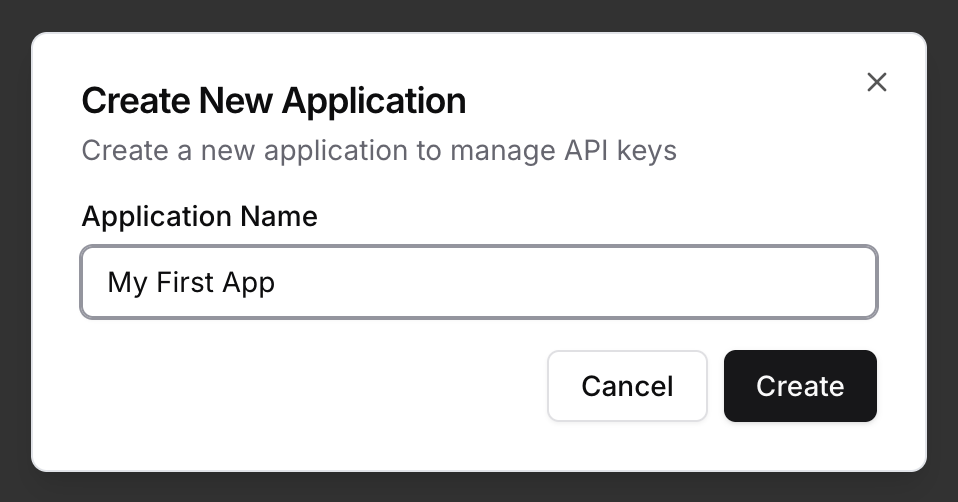
4
Copy App ID and API Key
In the popup, copy both App ID and API Key.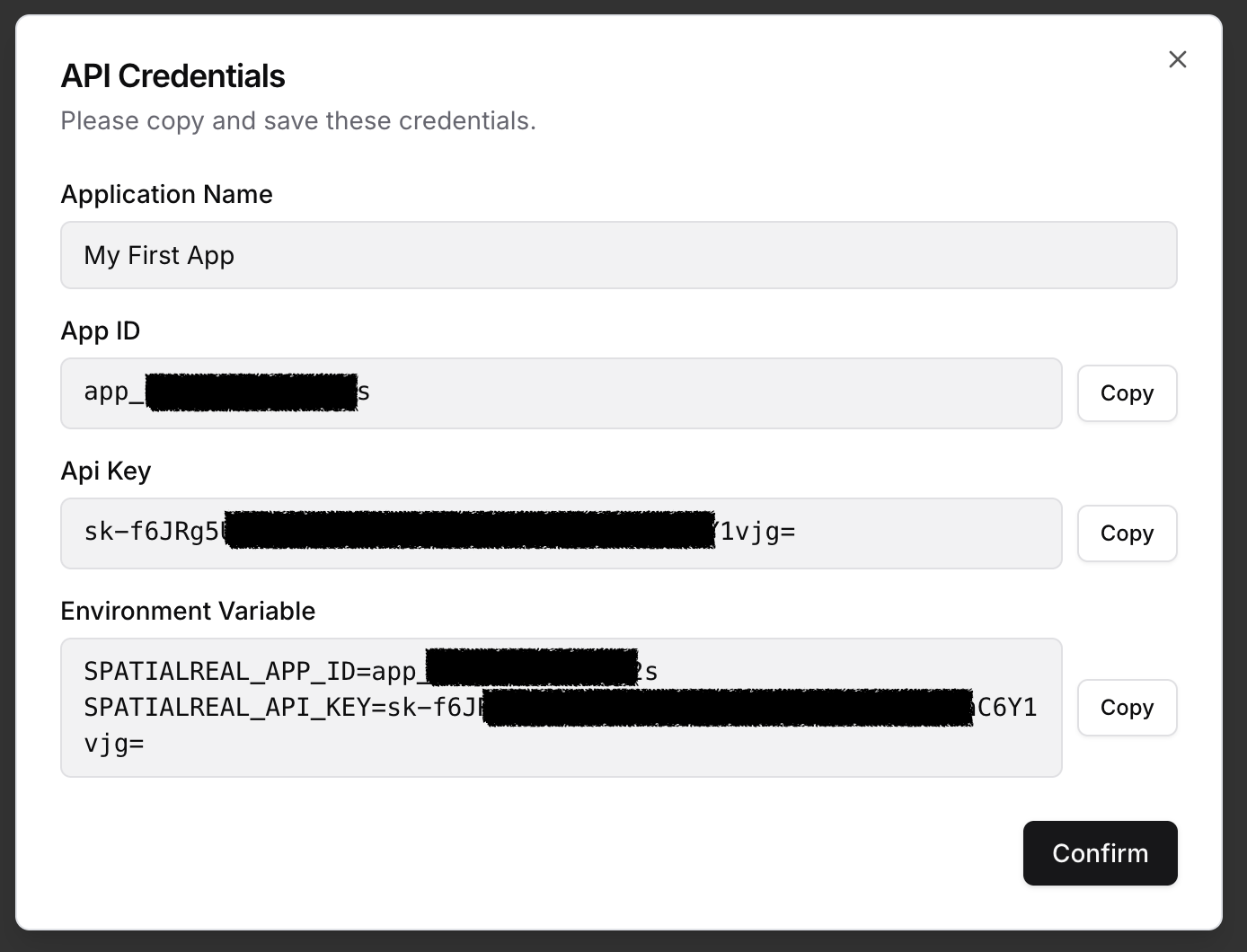
Manage your API Key
Your API Key is used to authenticate server-side requests to SpatialReal services. Best Practices:- Store your API Key in environment variables or a secrets manager
- Never expose your API Key in client-side code
- Never commit your API Key to version control
Temporary Session Token
For quick testing and development, you can generate a Temporary Session Token directly in SpatialReal Studio.Temporary Session Tokens are valid for 24 hours only. They are intended for testing purposes and should not be used in production.
1
Open Your Application
Navigate to API keys page in SpatialReal Studio, then click the details button of your application.
2
Generate Token
Click Generate Temporary Token to create a new temporary session token.
3
Use for Testing
Use this token in your client SDK to test avatar rendering without setting up server-side authentication.
Production Authentication
In production, you should generate session tokens from your backend server using the API Key. See the Authentication Guide for implementation details.Authentication Guide
Learn how to implement secure server-side authentication